
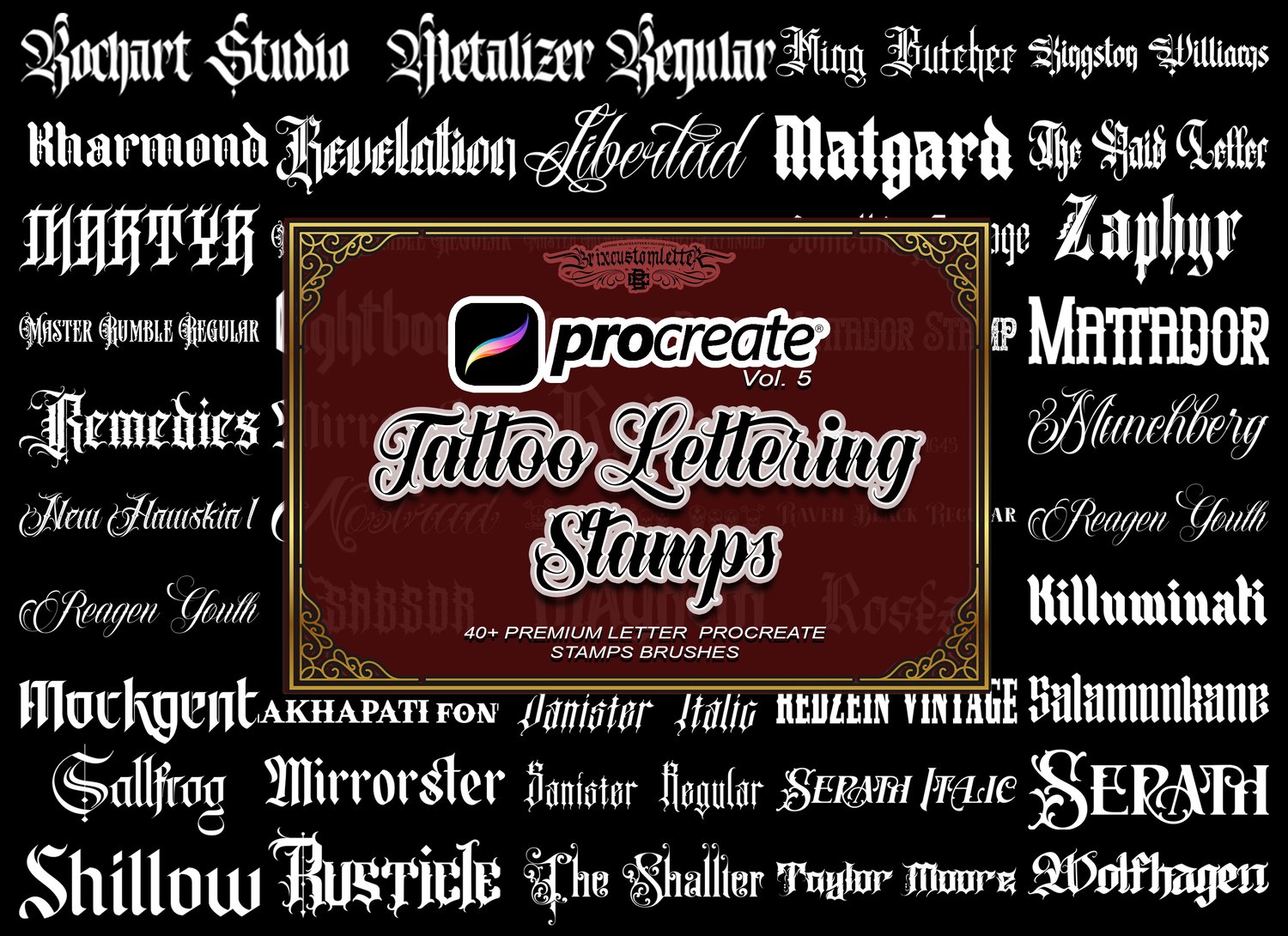
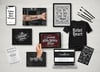
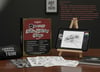
60+ Tattoo Lettering Procreate Stamps Bundle 5 | Lettering Brush Set for Tattoo and Typography
✨ TATTOO FONT PROCREATE STAMP BRUSHES ✨
Transform your tattoo designs with these easy-to-use letter stamp brushes!
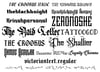
Say goodbye to complicated font installations and hello to instant, one-tap lettering! This professional Tattoo Font Stamp Brush Set has been carefully converted from a stunning tattoo-style font into individual Procreate stamp brushes, giving you complete creative control over every letter, number, and symbol.
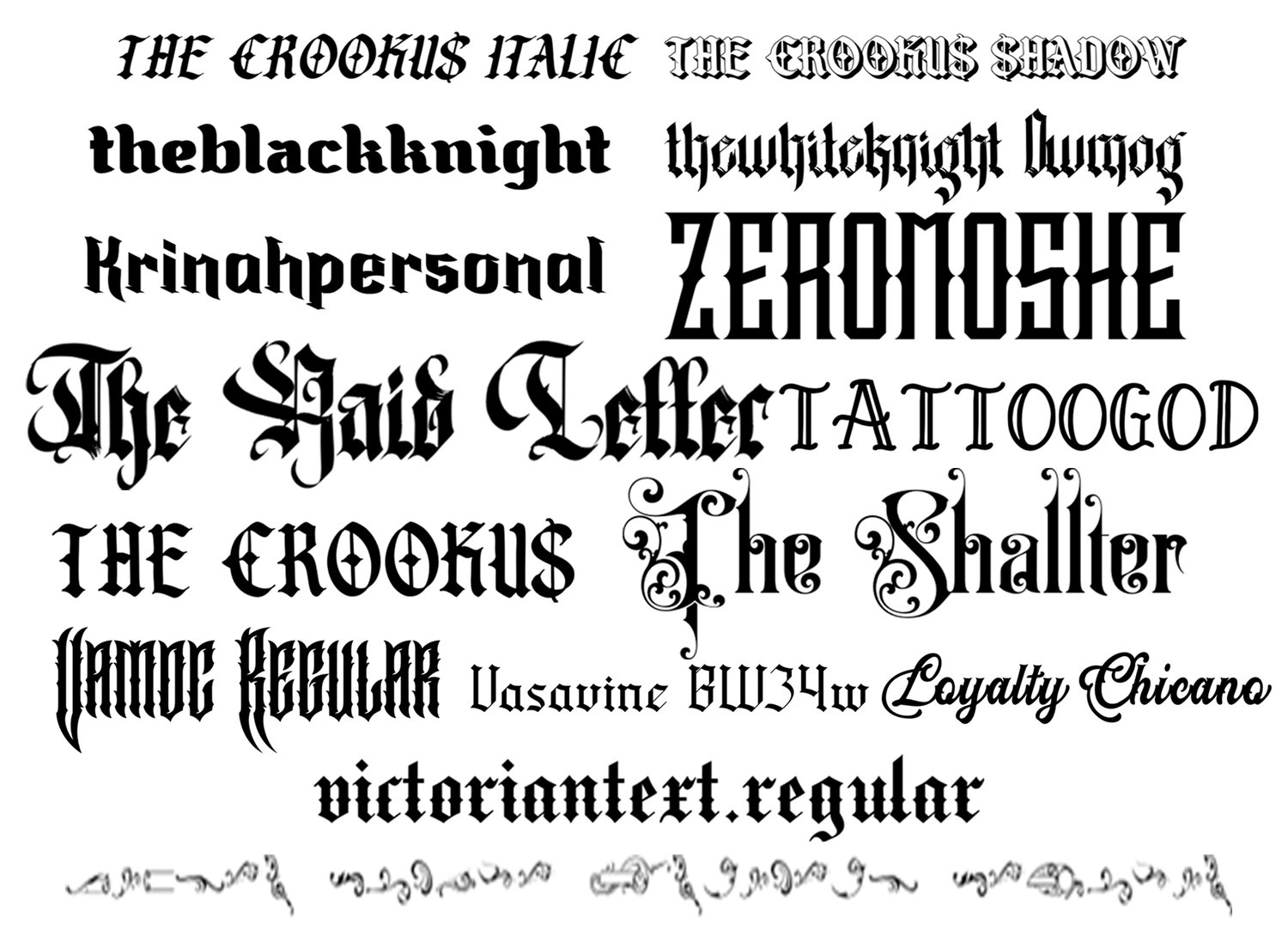
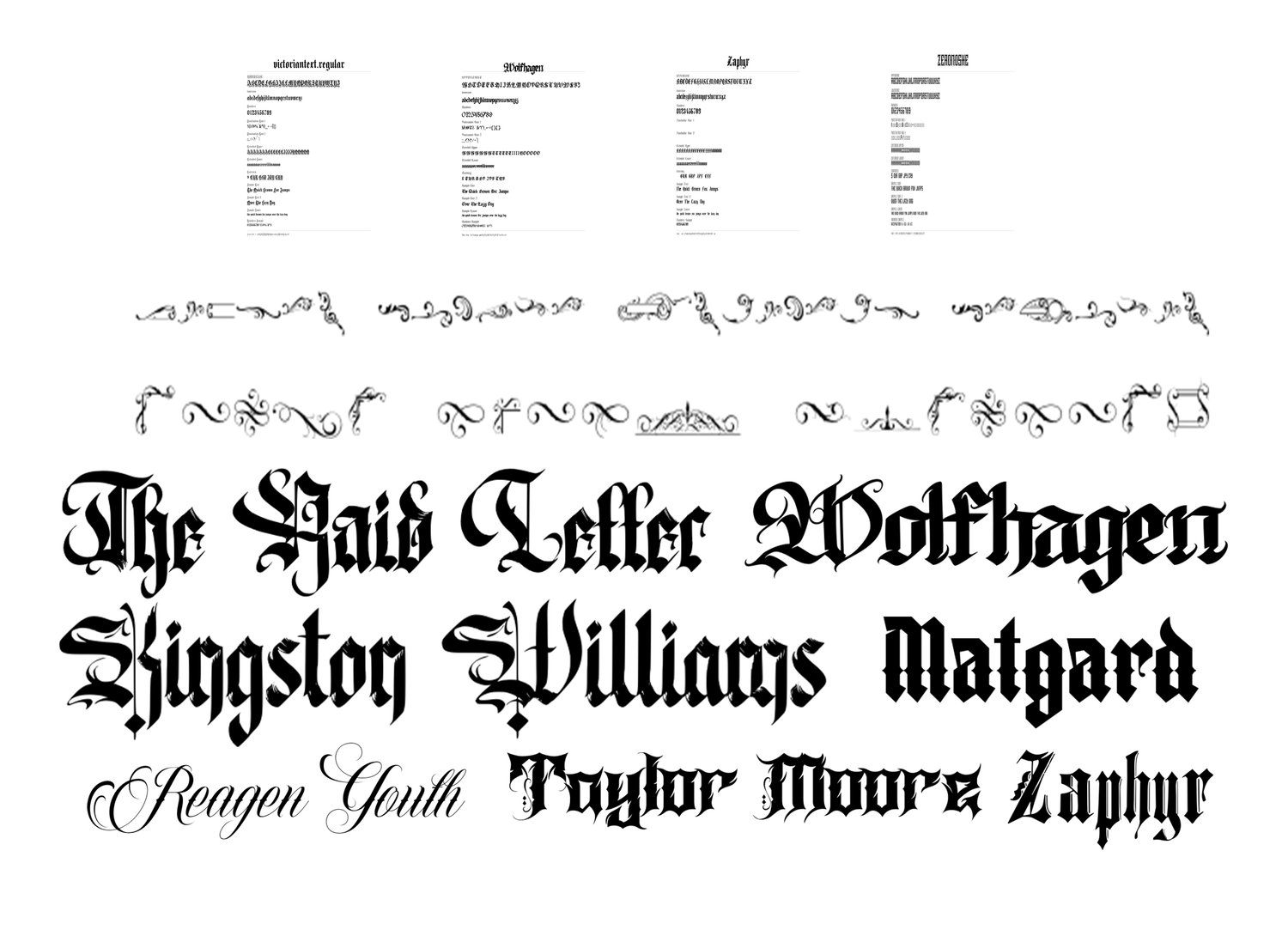
✔ 60+ Premium Stamp Brushes Including
✔ Decorative Ornaments
✔ Elegant Swash Elements
✔ Flourishes & Embellishments
✔ Complete Alphabet (A-Z) Uppercase Stamps
✔ Complete Alphabet (a-z) Lowercase Stamps
✔ Numbers (0-9) Stamps
✔ Common Punctuation & Symbols
✔ Easy Installation Guide (PDF)
✔ Quick Start Tutorial
File Format: .brush (Compatible with Procreate 5.0 and above)
Instant Digital Download – No physical product will be shipped
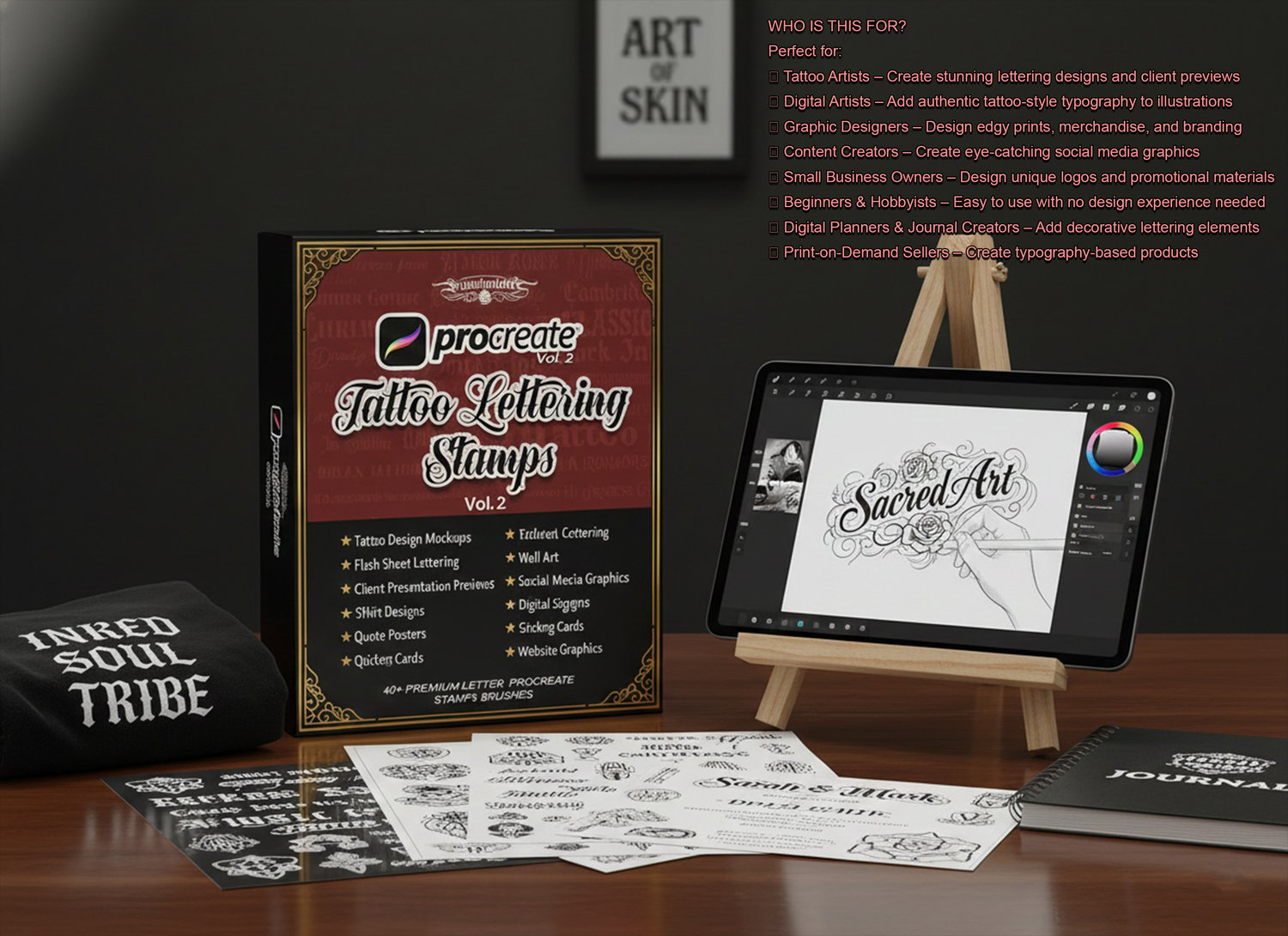
🎯 WHO IS THIS FOR?
Perfect for:
🖊️ Tattoo Artists – Create stunning lettering designs and client previews
🎨 Digital Artists – Add authentic tattoo-style typography to illustrations
✏️ Graphic Designers – Design edgy prints, merchandise, and branding
📱 Content Creators – Create eye-catching social media graphics
💼 Small Business Owners – Design unique logos and promotional materials
🎓 Beginners & Hobbyists – Easy to use with no design experience needed
📓 Digital Planners & Journal Creators – Add decorative lettering elements
👕 Print-on-Demand Sellers – Create typography-based products
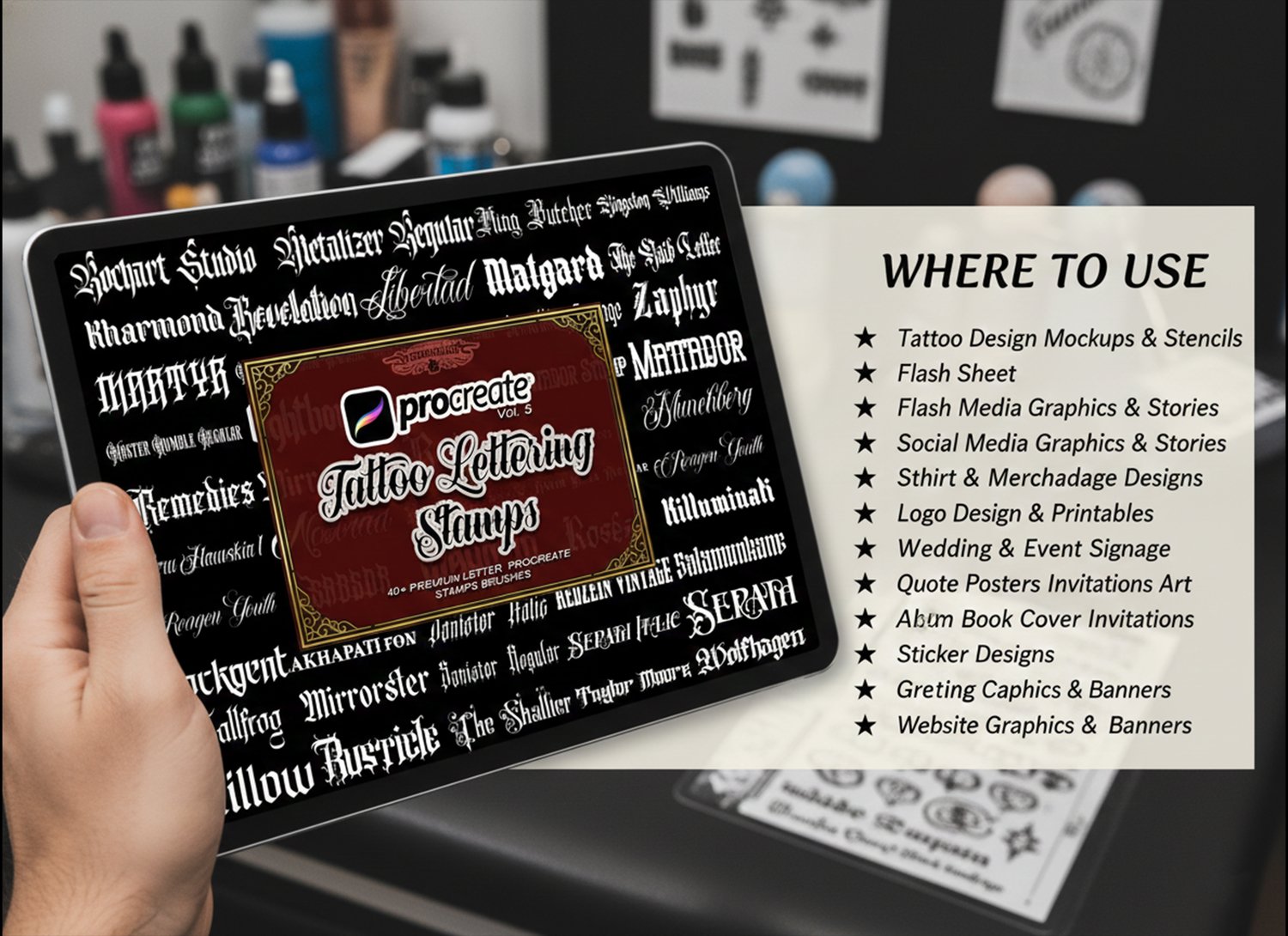
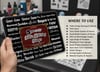
📍 WHERE TO USE
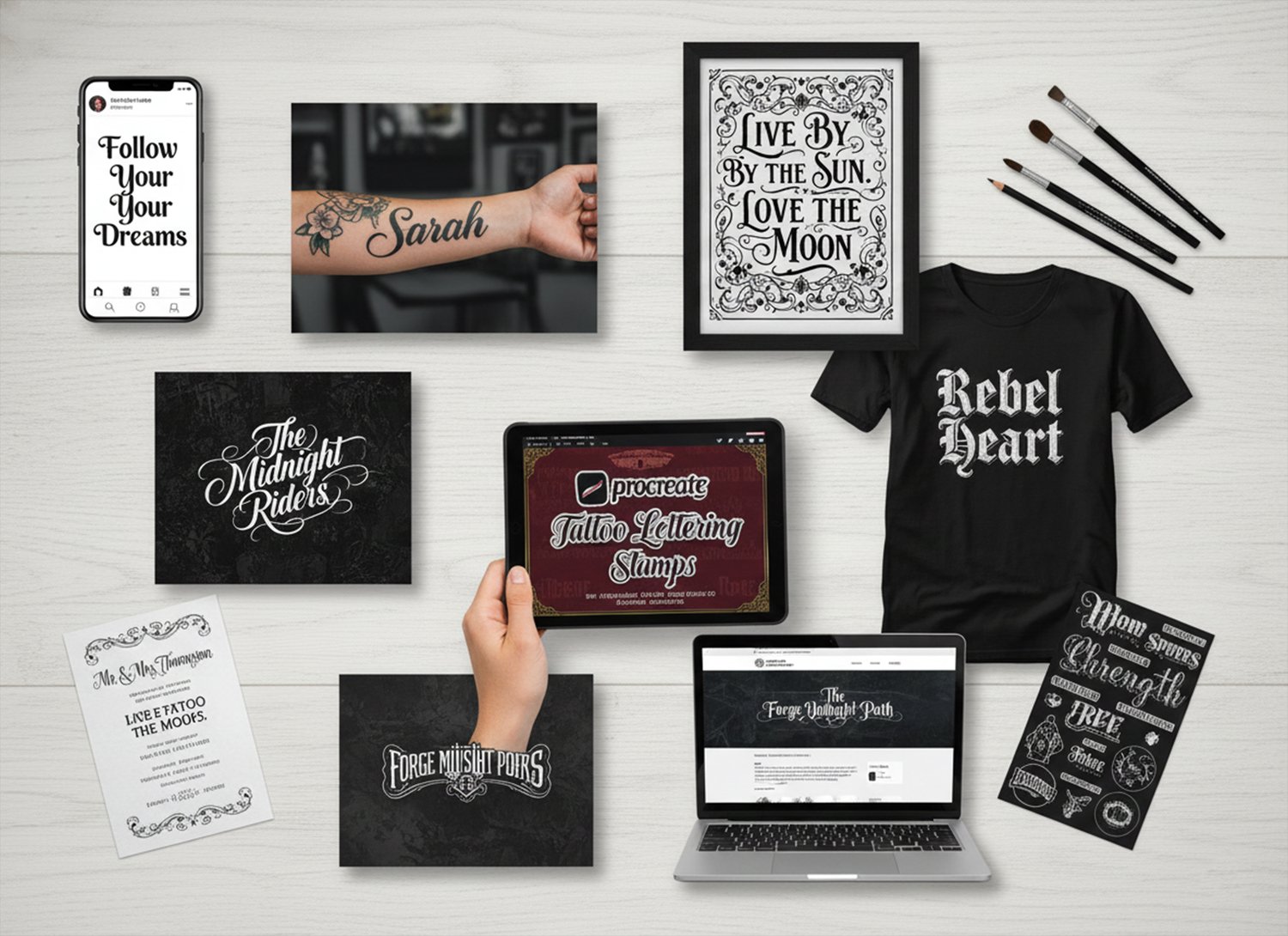
These versatile stamp brushes are perfect for creating:
★ Tattoo Design Mockups & Stencils
★ Flash Sheet Lettering
★ Client Presentation Previews
★ Social Media Graphics & Stories
★ T-Shirt & Merchandise Designs
★ Wall Art & Printables
★ Logo Design & Branding
★ Wedding & Event Signage
★ Quote Posters & Typography Art
★ Digital Planners & Journals
★ Album & Book Cover Art
★ Greeting Cards & Invitations
★ Sticker Designs
★ Website Graphics & Banners
💡 WHY STAMP BRUSHES?
✓One-tap instant placement
✓Works directly in Procreate
✓No installation headaches
✓Resize freely without quality loss
✓Layer-based editing per letter
✓Easy rotation & placement
✓Full creative manipulation
✓Customize each letter individually
✓No licensing confusion
✓Beginner-friendly
🌟 KEY BENEFITS & ADVANTAGES
⚡ INSTANT & EFFORTLESS
Simply tap to stamp any letter exactly where you want it. No typing, no text boxes, no complicated menus. Just pure creative freedom!
🔧 COMPLETE CREATIVE CONTROL
Resize any letter without losing quality
Rotate and flip stamps freely
Adjust opacity and blend modes
Each letter on its own layer for easy editing
Mix, match, and manipulate to your heart's content
🎨 ENDLESS CUSTOMIZATION
Change colors instantly
Add textures and effects
Create unique distressed looks
Layer with other brushes
Apply clipping masks and adjustments
📐 PERFECT PLACEMENT
Position letters exactly where you need them
Create curved text easily
Overlap and interlock letters creatively
Design on any canvas size
Works with Procreate guides and grids
💼 PROFESSIONAL RESULTS
Crisp, high-resolution output
Print-ready quality
Consistent stroke weights
Authentic tattoo aesthetic
Commercial use included
🚀 SAVE TIME & EFFORT
Skip the font installation process
No need to rasterize or outline text
Immediate access in your brush library
Streamlined workflow
Focus on designing, not troubleshooting
🖼️ PREVIEW IMAGE BENEFITS
https://drive.google.com/drive/folders/1zuvfMF3TEEfXiUfZTPpvaXsBTO0vOmep?usp=drive_link
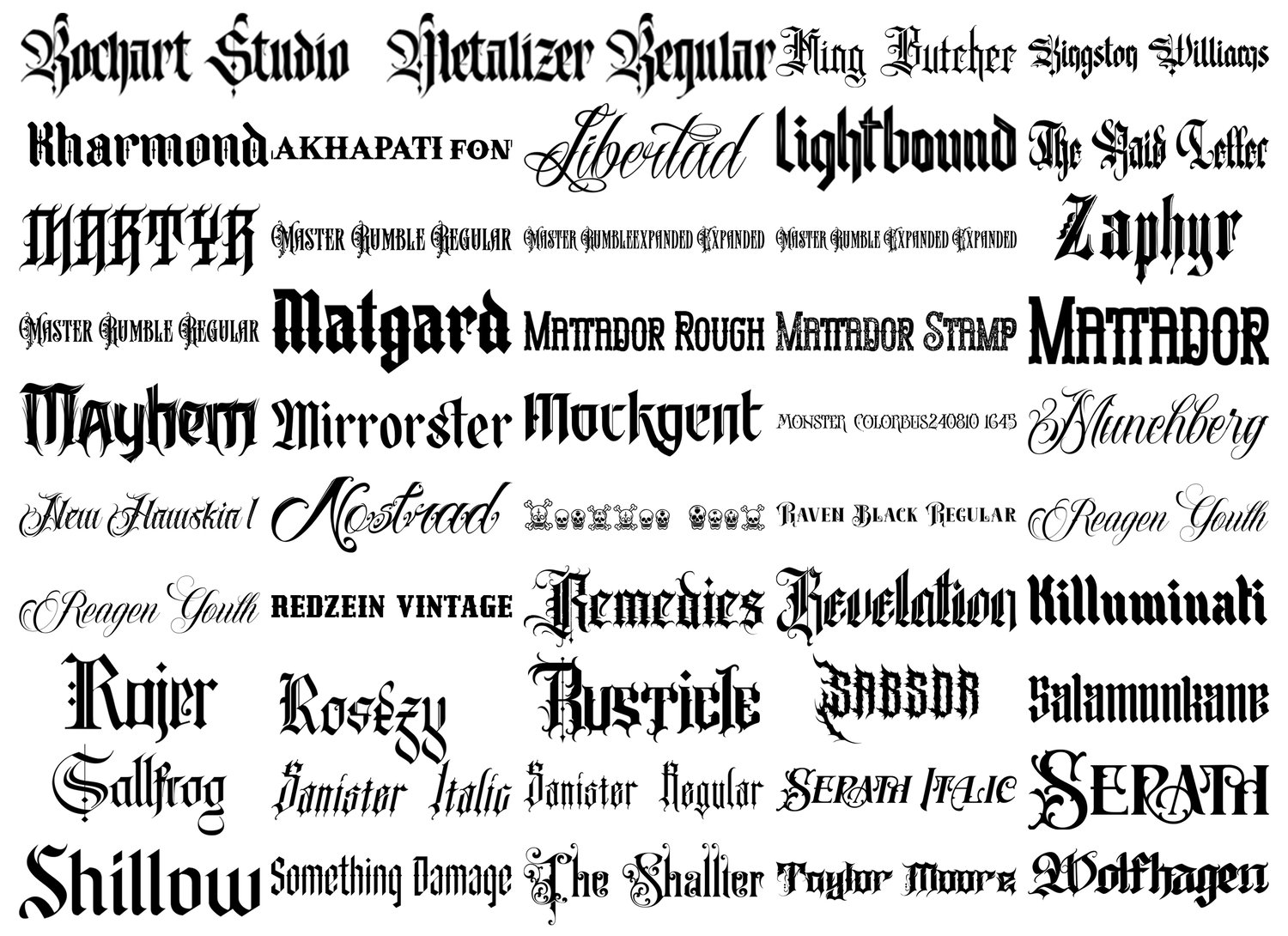
🖼️ LIST OF FONT THAT WAS CONVERTED TO STAMPS PREVIEW:
https://docs.google.com/spreadsheets/d/1N6cmhTjRl9_Ce4Jv_Za3OSFJu8pV59gTQP7VbtLa1Fc/edit?usp=drive_link
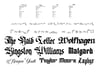
✅ Full Character Set Display – See every letter, number, and symbol included
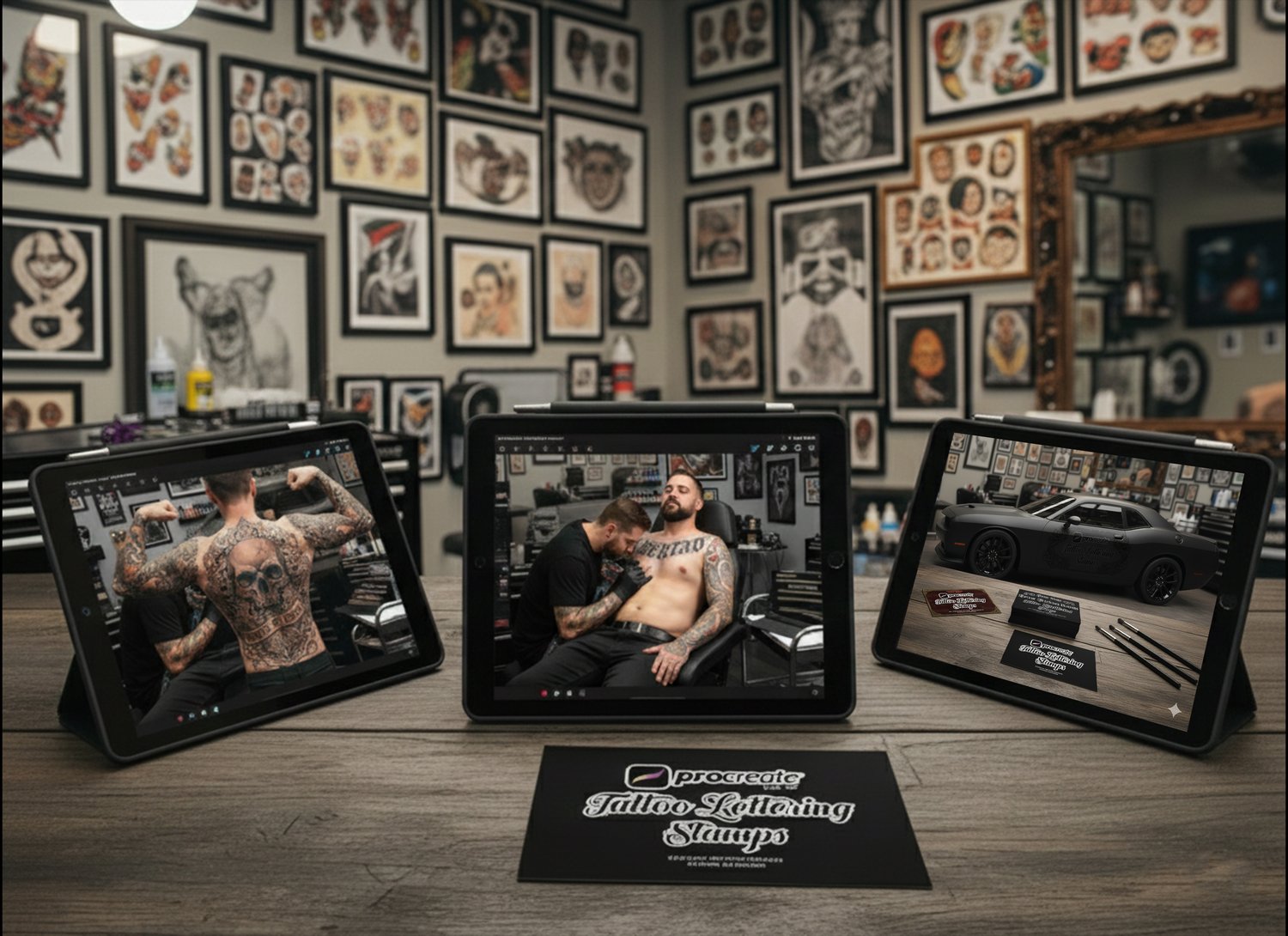
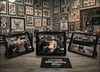
✅ Real-World Application Examples – View the stamps in actual design contexts
✅ Size & Scale Demonstration – Understand the versatility and scalability
✅ Style Showcase – Appreciate the authentic tattoo aesthetic and details
✅ Before & After Comparisons – See the creative possibilities
✅ Color Variation Examples – Preview customization potential
✅ Installation Preview – Know exactly what to expect in Procreate
💻 COMPATIBILITY & REQUIREMENTS
✓ Procreate 5.0 or newer
✓ iPad (any model that supports Procreate)
✓ Apple Pencil recommended (but not required)
Note: These brushes are designed EXCLUSIVELY for the Procreate app on iPad. They are NOT compatible with Procreate Pocket (iPhone), Photoshop, Illustrator, or other design software.
📥 HOW TO INSTALL
Download the .brushset file to your iPad
Tap the file or select "Open in Procreate"
Find your new stamps in the Brush Library
Start creating amazing designs!
Detailed installation guide included with your purchase
📜 LICENSE & USAGE RIGHTS
✅ PERSONAL USE – Unlimited projects for yourself
✅ COMMERCIAL USE – Sell your finished designs and artwork
✅ CLIENT WORK – Use in projects for paying clients
✅ PRINT-ON-DEMAND – Create products for online stores
✅ SOCIAL MEDIA – Post and promote your creations
❌ NOT PERMITTED:
Reselling or redistributing the brush files
Sharing files with others (each user needs their own license)
Claiming the brushes as your own creation
🤝 CUSTOMER SUPPORT
Having trouble with your download or installation? We're here to help! Message us anytime and we'll get back to you within 24 hours.
Your satisfaction is our priority!
⭐ DON'T FORGET!
Favorite this shop to stay updated on new releases
Check out our other brush sets for more creative tools
Leave a review after your purchase – we love hearing from you!