
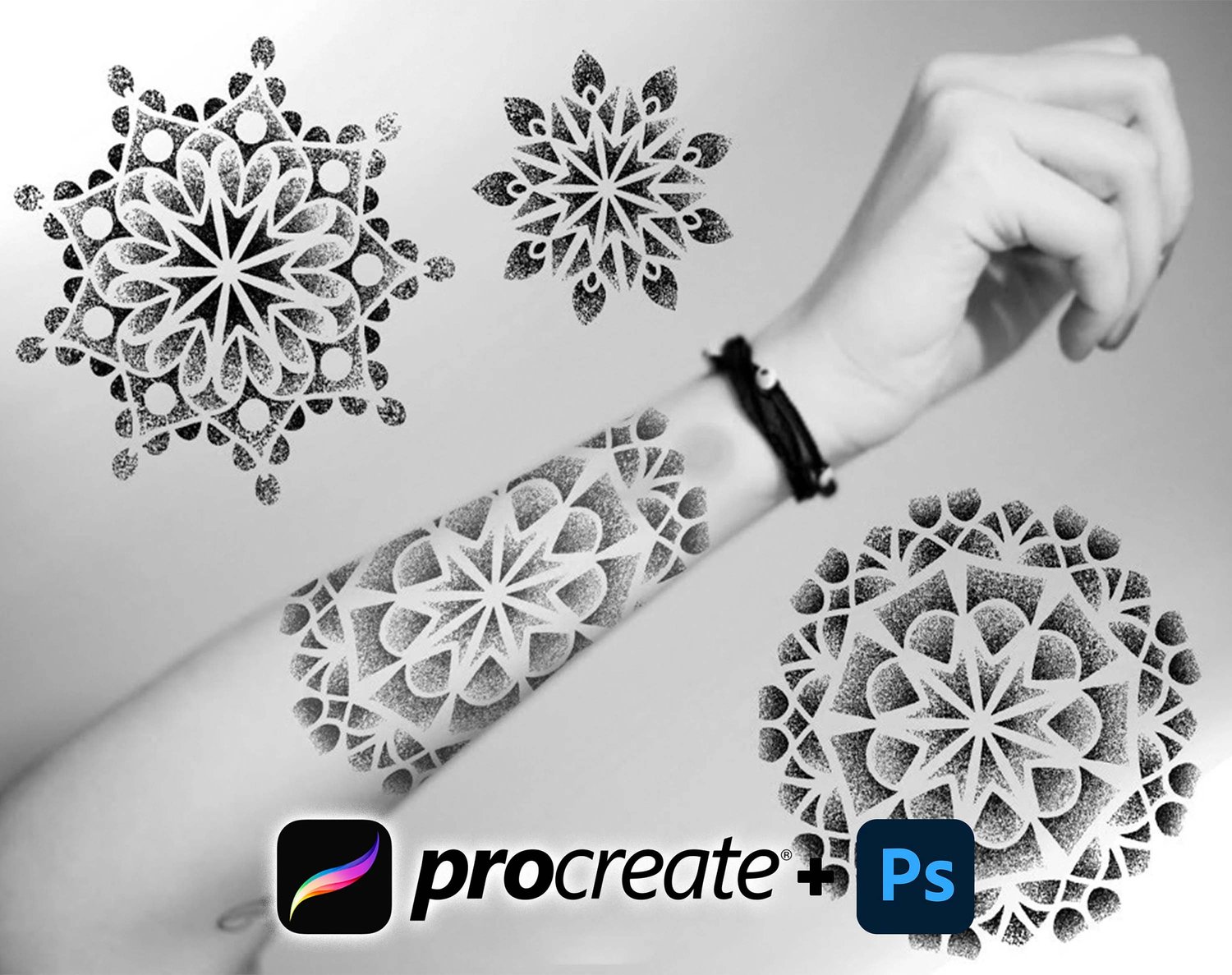
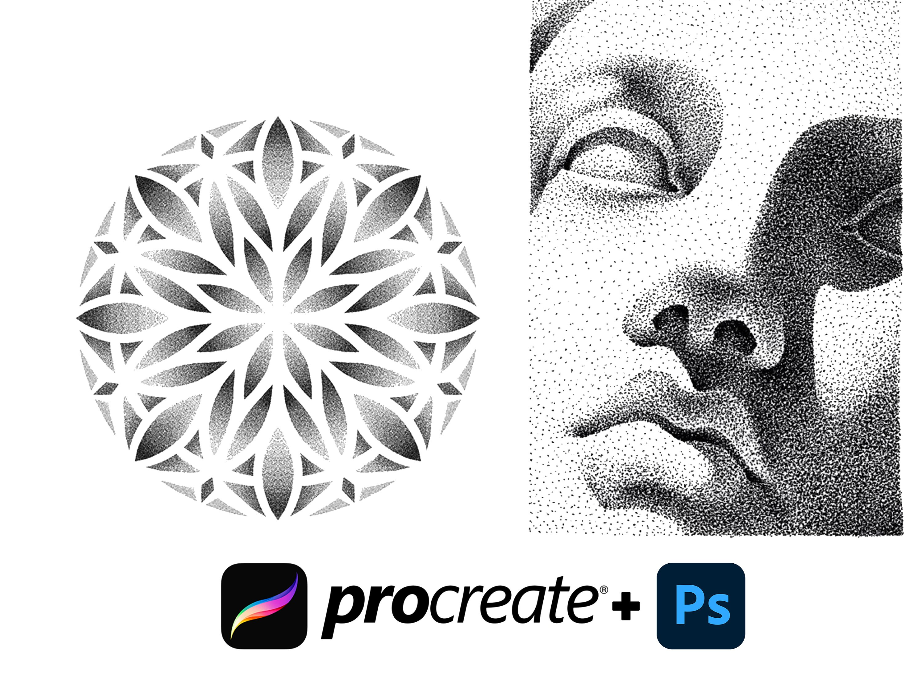
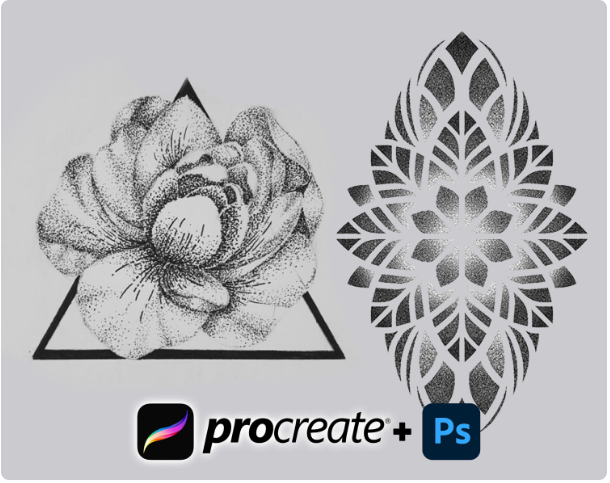
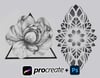
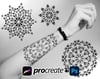
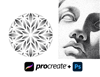
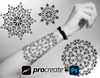
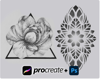
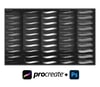
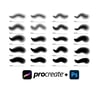
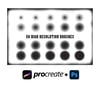

50 Tattoo Stipple Brush Set | Grain Shading, Ink Texture (Procreate & Photoshop)
STIPPLE GRAIN BRUSHES THAT WORK IN PROCREATE AND PHOTOSHOP -- ONE SET, BOTH WORKFLOWS
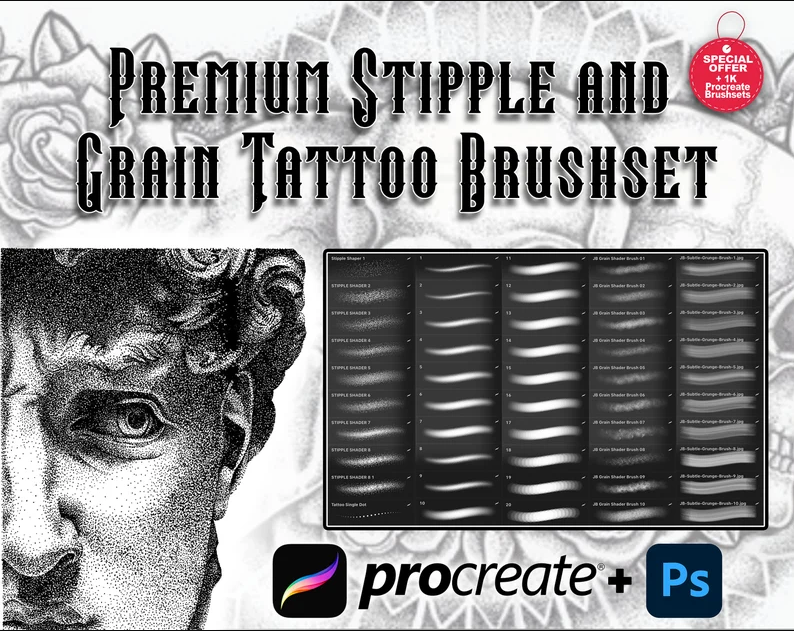
This tattoo stipple brush set gives you grain shading and ink texture across both Procreate and Photoshop. Whether you're sketching tattoo flash on your iPad or finishing line work in Photoshop, you're pulling from the same library of stipple brushes without rebuilding your toolkit for each app.
Most stipple brush sets force a choice. You buy for Procreate or you buy for Photoshop. If you work in both -- and most professional tattoo artists and illustrators do -- you end up with two half-solutions. This set covers both without compromise.
WHAT'S INCLUDED
- Full stipple grain brush set in .brushset format (Procreate) and .ABR format (Photoshop)
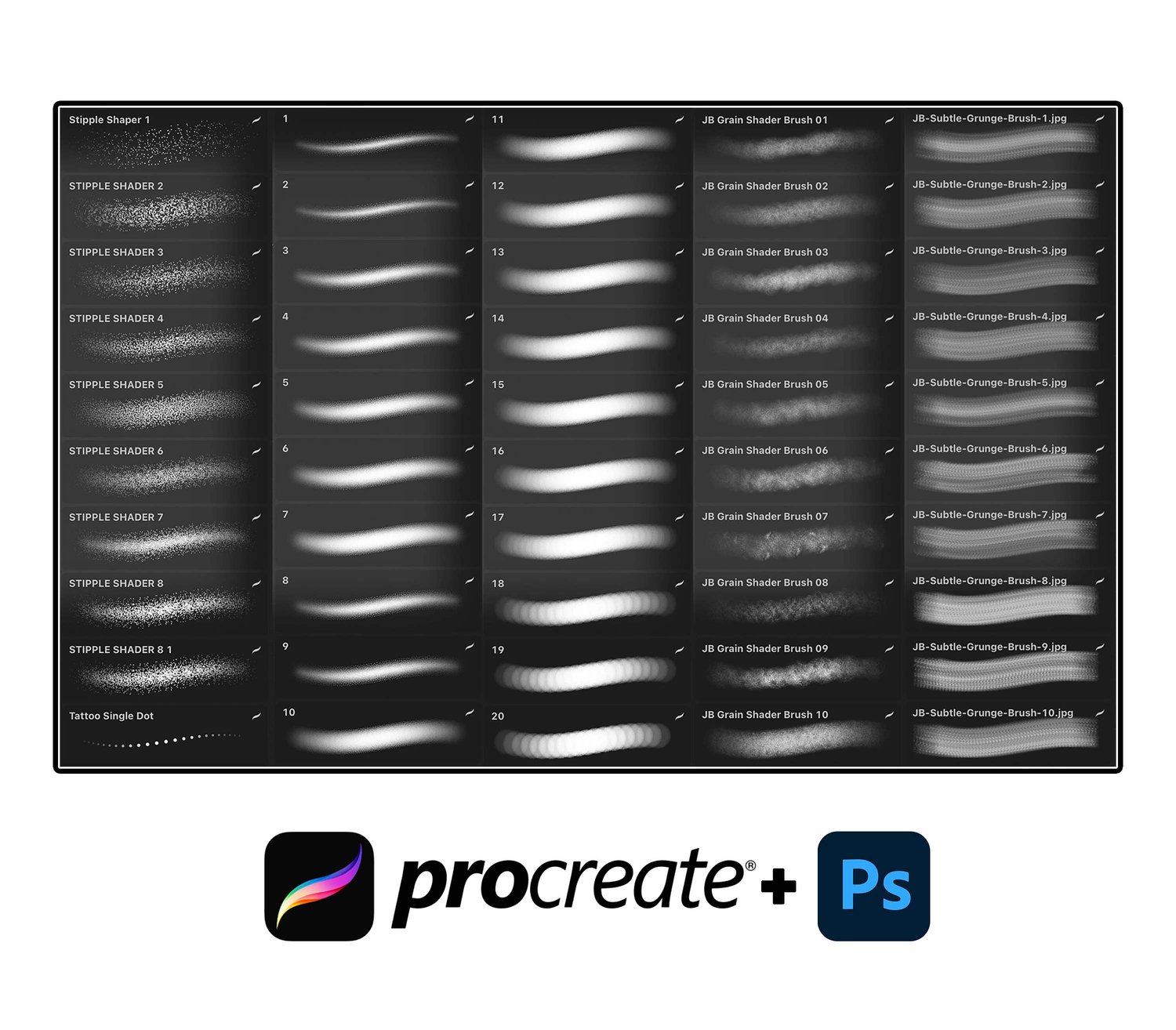
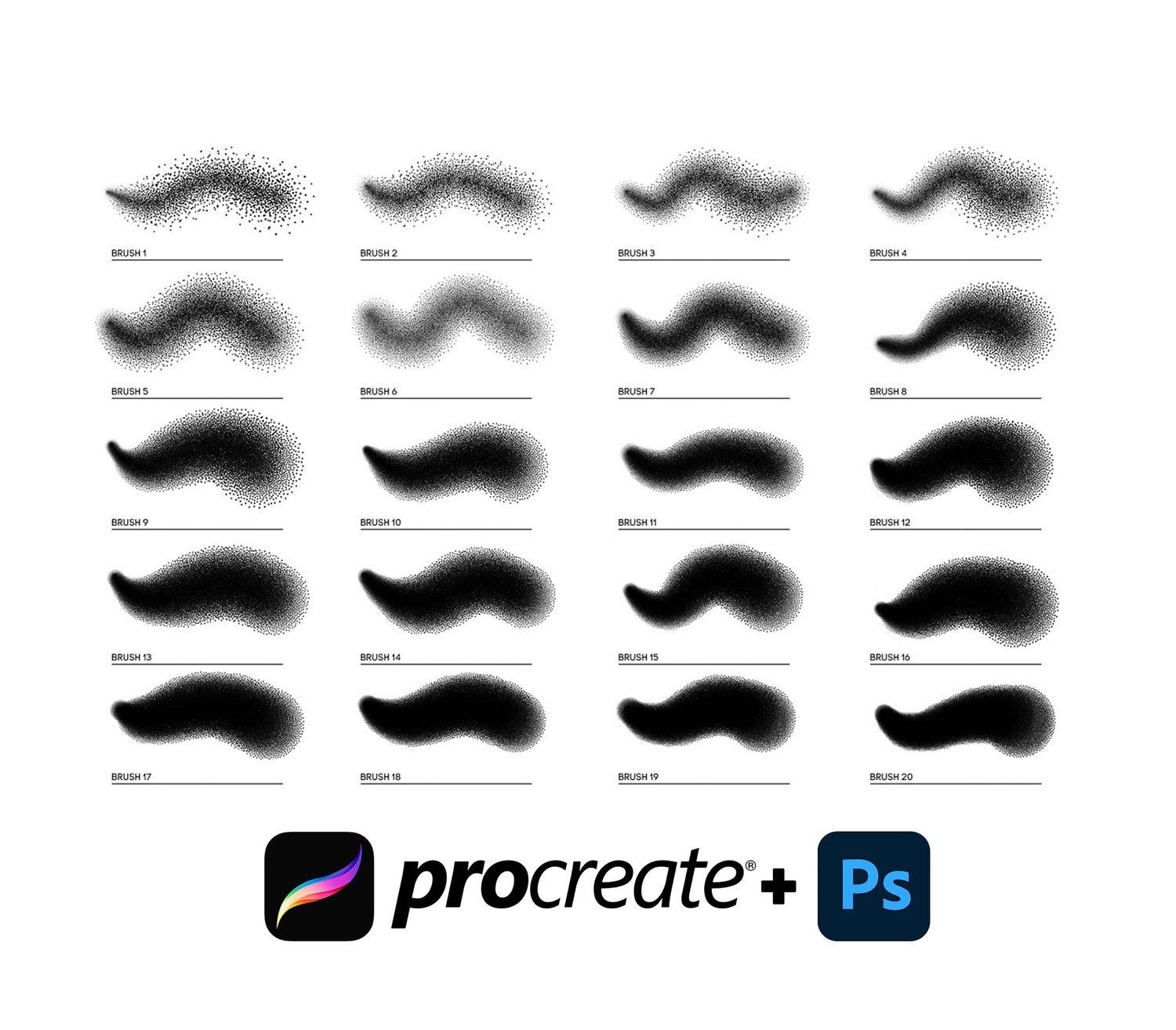
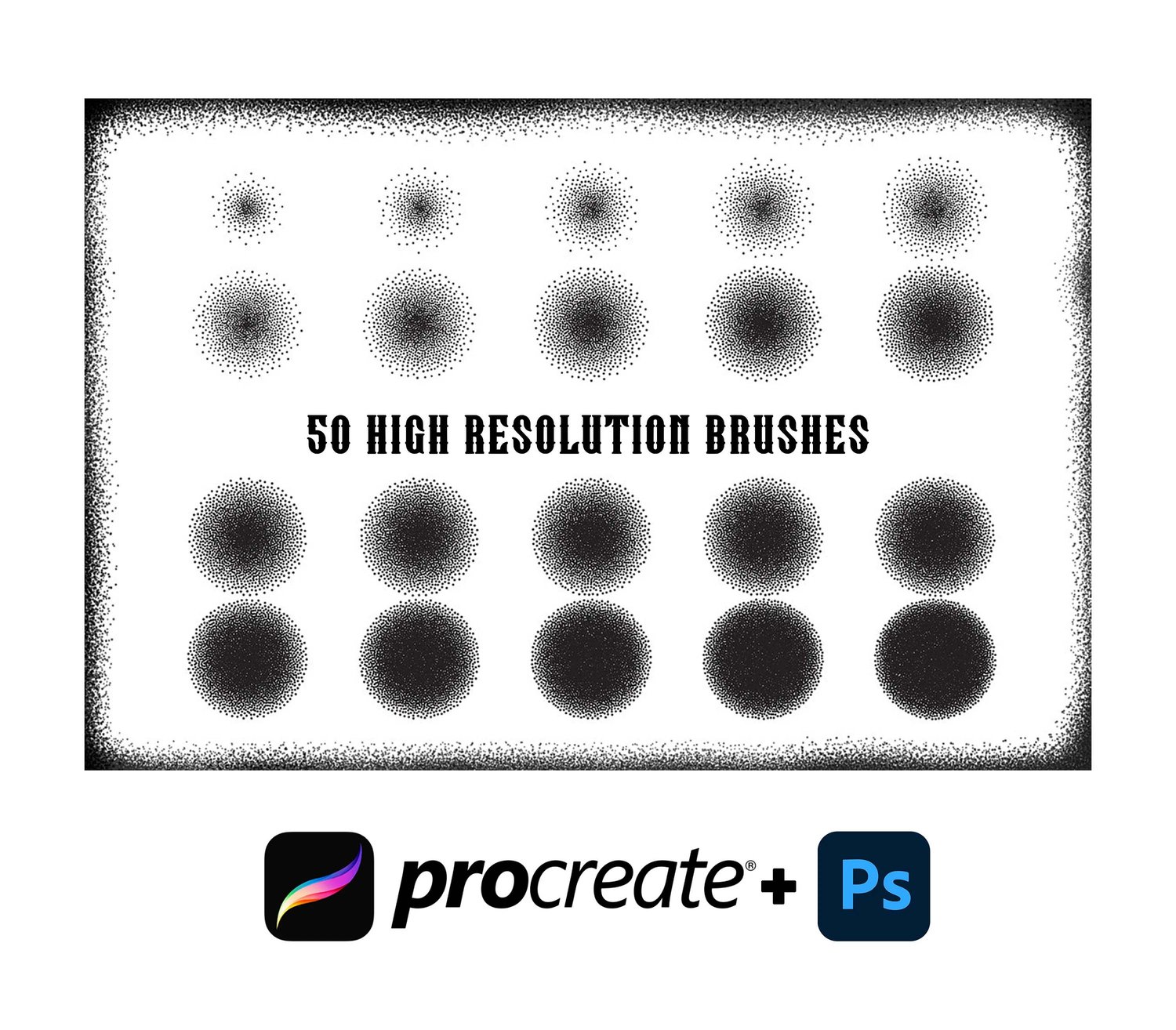
- Varying grain density from fine atmospheric stipple to heavy coarse ink texture
- Brushes optimized for pressure sensitivity on both platforms
- Resizable at any scale with no quality loss
- Commercial use included
WHO THIS IS FOR
- Tattoo artists -- building stipple shading and grain texture into blackwork and fine line designs across both studio setups
- Tattoo apprentices -- practicing stipple technique on iPad before transitioning to Photoshop for client presentation work
- Procreate illustrators -- adding organic ink grain texture to character work, editorial art, and concept pieces
- Graphic designers -- applying noise and stipple depth to typography, poster work, and mixed-media layouts in Photoshop
- Hobbyist digital artists -- wanting handmade grain texture without managing multiple apps or brush libraries
WHY THIS SET
Most stipple brush sets are built for one platform and ported awkwardly to the other. This set was designed with both Procreate and Photoshop workflows in mind, so pressure sensitivity, brush behavior, and grain density feel consistent across both apps. The result is a stipple toolkit that doesn't fight you when you switch programs mid-project.
WHAT YOU CAN CREATE
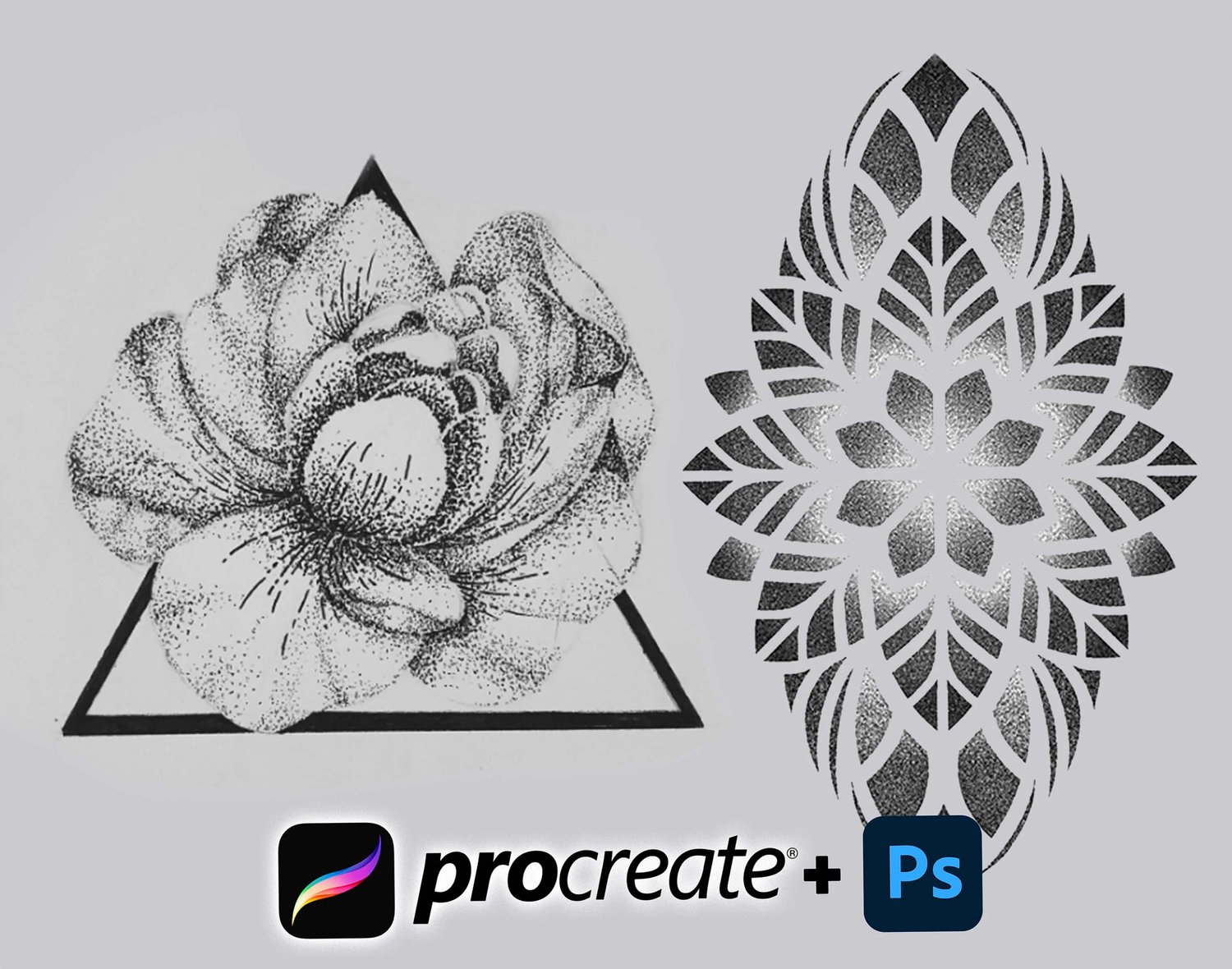
- Blackwork tattoo flash with layered stipple grain shading
- Fine line tattoo designs with organic ink texture depth
- Dotwork sleeve compositions with atmospheric stipple fill
- Editorial illustration with analog grain overlay
- Vintage poster distress texture in Photoshop
- Tattoo design client presentations across iPad and desktop
- Neo-traditional tattoo sketches with soft grain fill
- Risograph and zine-style illustration texture
- Character art with ink noise and stipple shadow work
- Concept art with hand-drawn grain depth
COMPATIBILITY AND TECHNICAL DETAILS
- Procreate: Compatible with Procreate 5.0 or later, iPad, Apple Pencil or compatible stylus (.brushset)
- Photoshop: Compatible with Adobe Photoshop CC and later, Mac and Windows (.ABR)
- Installation (Procreate): Download the file, tap to open on iPad -- Procreate imports it automatically
- Installation (Photoshop): Open Photoshop, go to Edit > Presets > Import Brushes, select the .ABR file
LICENSE
Commercial use is included. You may use these brushes to create tattoo designs, client work, prints, and finished artwork for sale. You may not resell, redistribute, or repackage the brush files themselves in any form.
One set of stipple grain brushes. Two full workflows. Whether you're on iPad or desktop, you're working with the same organic ink texture without hunting for a different toolkit. This is an instant digital download. No physical item will be shipped.